Tutorial 1 of 7
Your first club night in 5 minutes
Beginner 5 min
Add your players, draw a padel or pickleball Americano, enter the scores court by court and read the live standings. Nothing to install.
Fieldday keeps one club dataset — roster, mixer nights, tournaments, league, ratings, trips, training and calendar — and runs it through the usefulweb sports tools. Your project is saved automatically in this browser.
1. Open the workspace
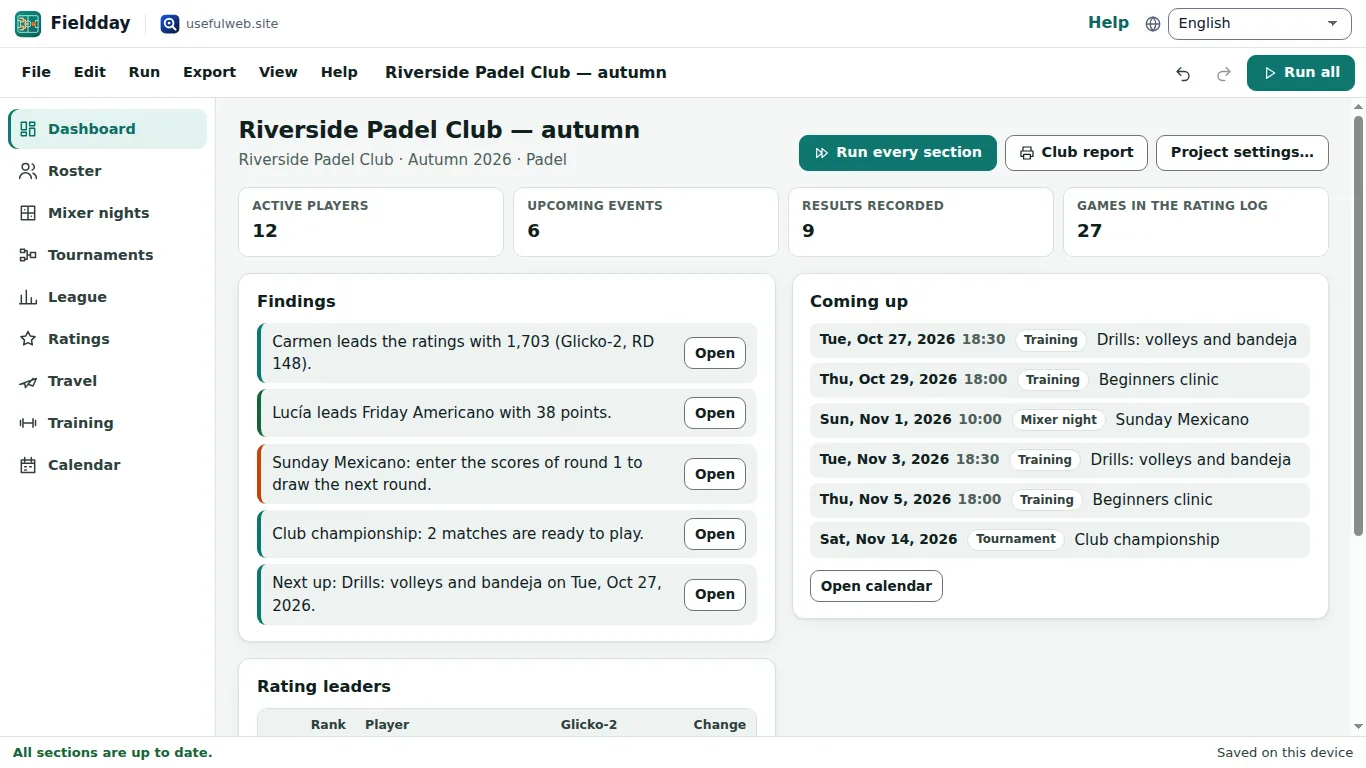
Click Launch Fieldday. A new project opens on the Dashboard. The short Getting started hint lists the ready-made templates. To follow along with real data, open File → Templates… and pick Padel club: Americano night and championship.
2. Your roster
Open Roster in the side bar (or press 2 when single-key shortcuts are on). Each row is one player:
| Column | What it is for |
|---|---|
| Name | Must be unique. Renaming a player updates sessions, tournaments and the game log. |
| Skill | Optional 1–10 value for balanced teams. |
| Rating | Optional starting rating (for example 1500). It seeds brackets and starts the Elo/Glicko-2 ratings. |
| Group | Free text such as Competitive or U14. |
| Active | Only active players are offered for new sessions and teams. |
Click Add player to add a row. To bring in a whole list, use Paste or import players… — paste a column of names or a CSV with a header, check the preview and click Import players.
3. Draw an Americano
Open Mixer nights, click New session, and fill in Session settings and players:
- Format — Americano draws every round up front with rotating partners; Mexicano pairs each round from the current standings.
- Courts, Rounds and Points per match (24 is common for padel).
- Tick the players in Players in this session, or click Select all active players. Add guest adds a one-off name.
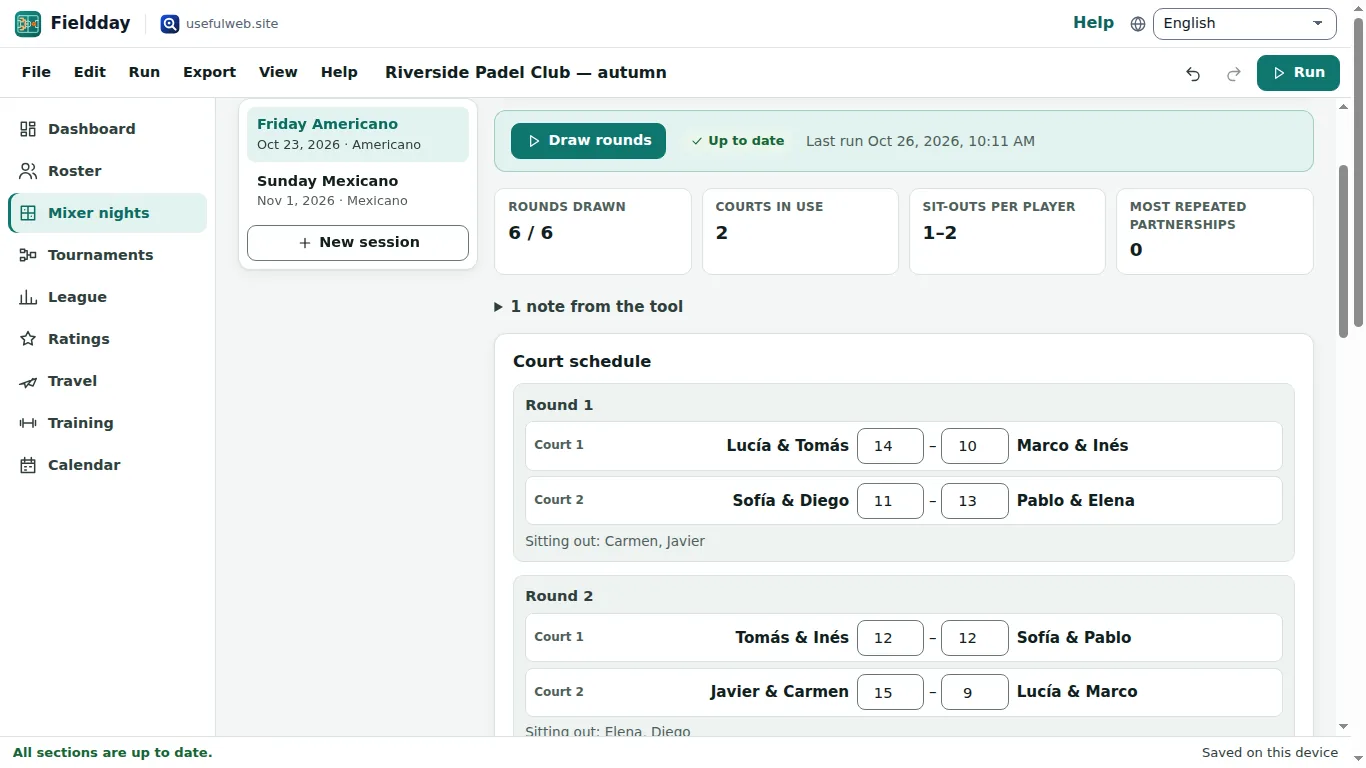
Click Draw rounds. Fieldday sends the session to the Padel & Pickleball Scheduler and shows the Court schedule: who plays with whom on which court, and who sits out.
4. Enter scores
Type both scores next to each court. A score with only one side filled in is kept on screen but does not count yet. As soon as a court is complete, the Standings update (points for, against, difference, wins) together with Fairness per player — sit-outs, different partners and repeated partnerships.
The settings card folds away once the rounds are drawn, so the schedule is the first thing you see on court.
5. Keep it
Everything is saved on this device as you type (Saved on this device in the status bar). Use File → Save project file (Ctrl+S) for a .fieldday.json copy, and Export → Standings of … (CSV) for a spreadsheet.
Ready to try it?